Facebook is an essential platform for communication, business, and entertainment used by more than 3 billion people and businesses worldwide. However, Facebook has also become a prime target for cybercriminals looking to commit online scams against unsuspecting victims. These online scams lead to identity theft, financial loss, and damage to public reputations. Understanding how to identify hacked Facebook accounts early can prevent significant harm that can have long-lasting effects. In this article, we will cover the warning signs, recovery steps, and best practices you can take for preventing social media hacks.

Signs That Your Facebook Account Has Been Hacked
Thankfully, learning the signs that your Facebook account has been hacked can be done easily. Discovering that your Facebook account has been compromised must be done as early as possible to avoid the fallout. If you notice any of the following issues, your account may have been hacked:
Unusual Login Activity
If you discover unusual login activity ongoing with your Facebook account, it could be a sign you were hacked. Frequently check your login history to find out if this is the case. If you see logins from unfamiliar locations, devices, or at odd hours, this could be an indication. Unfortunately, there are various automated tools that online scammers can use to log in from different parts of the world, making it critical to monitor your login history regularly.
Unexpected Changes to Your Account Information
If your email, phone number, password, or other key profile details have been changed without your consent, a scammer may have taken control of your Facebook account. This is particularly concerning if you no longer receive account recovery emails or notifications.
Messages or Posts You Didn't Create
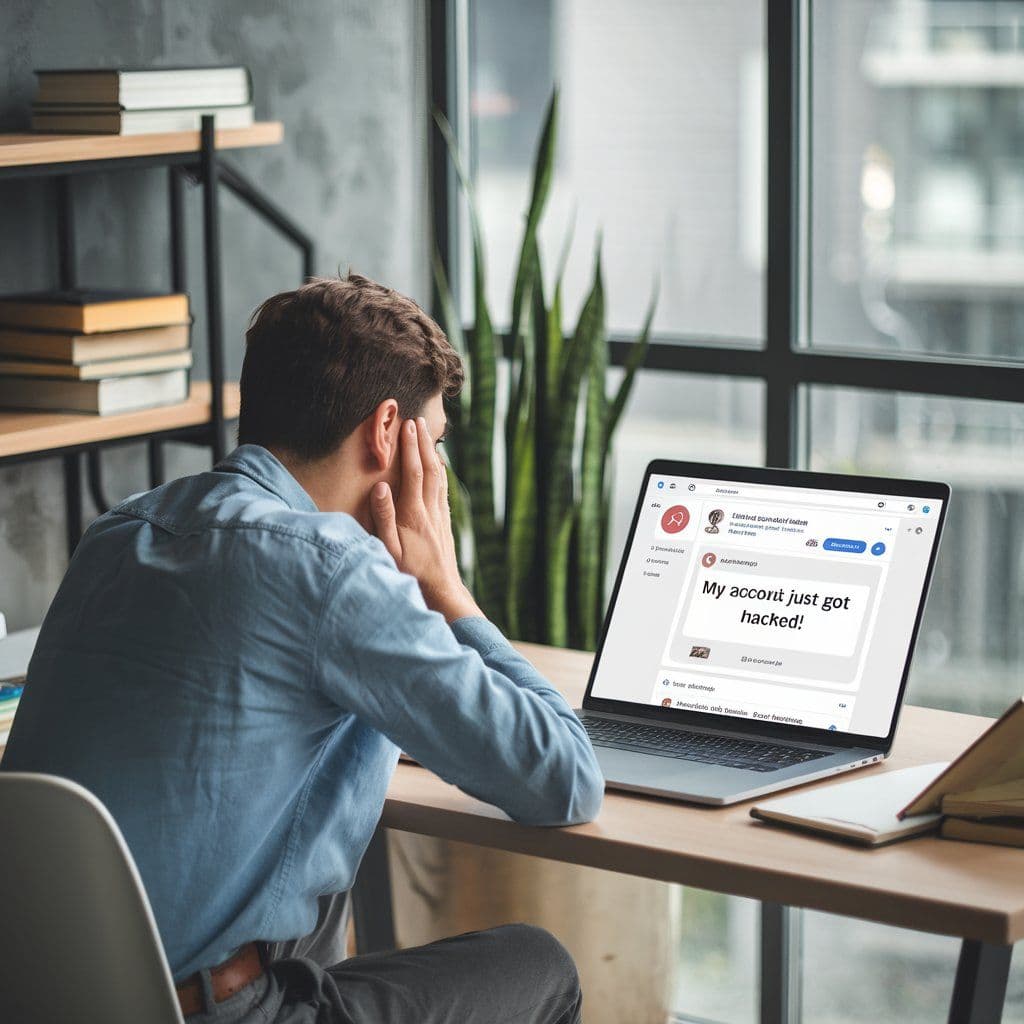
Online scammers often use compromised accounts to send spam or phishing links to your contacts or the groups you frequently post in. If people report receiving or seeing messages or posts you didn’t create, your account may have been hacked. You should quickly report the problem to Facebook and change your password immediately.
Friend Requests Sent to Strangers
If you notice that friend requests sent to strangers have occurred from your account, it could mean your Facebook account was breached. Hackers often use this tactic to grow their network. By growing their network, they could harm others and find new ways to commit identity theft. Friend requests sent to strangers are also a common tactic used to build credibility before conducting phishing attacks.
Locked Out of Your Account
If you can no longer access your account and receive messages indicating that your password has been changed, this is a major red flag. You should consider that your account has been hijacked and should contact support services from Facebook or Mozo immediately. Hackers typically change passwords immediately after gaining access to prevent the rightful owner from reclaiming their account, so you will need to act swiftly.
Unauthorized Facebook Ads or Payments
Hackers sometimes use compromised accounts to run fraudulent ads or make unauthorized purchases. If you notice any unexplained charges, your payment details may be compromised. This can result in financial loss, especially if your account is linked to a business page.
Alerts from Facebook About Suspicious Activity
If you receive alerts from Facebook about suspicious activity, you should look into it right away. If Facebook detects unauthorized access and sends you warnings about suspicious login attempts, it likely means your account could get hacked. If you receive such notifications, secure your account before damage occurs in the future.
Facebook Account Recovery: What to Do If Your Account is Hacked and How Securing Your Facebook Profile Can Be Accomplished
If you suspect that your account was or could be in danger, here’s what to do if your account is hacked:
- Reset Your Password: Go to your login page and click on Forgot Password. Follow the instructions to reset your password, and be sure to choose something strong and unique. A password manager will help ensure this and can store the information for you in an encrypted vault. Avoid using easily guessable passwords. This will help make securing your Facebook profile easy.
- Use The Facebook Account Recovery Tool: Visit Facebook’s Help Center and use the Facebook account recovery system called "Report Compromised Account." This will help you regain control of your profile. Facebook will guide you through recovery steps, which may include verifying your identity.
- **Enable 2FA (Two-Factor Authentication)*: Once you regain access, set up 2FA to add an extra layer of security. This requires you to enter a verification code whenever you log in from a new device. This feature prevents hackers from logging in even if they have your password.
- Revoke Suspicious Devices: Check your Active Sessions in Facebook's settings and log out of any unrecognized devices. This will prevent online scammers from staying logged in to your account, wherever they may be in the world and on whichever device they may be using.
- Scan for Malware: Scammers can sometimes steal your information or login credentials using keyloggers. Run a full scan with Mozo’s antivirus on your device to remove any malware.
- Check for Third-Party Permissions: Review apps and websites linked to your Facebook account and remove suspicious applications that you don’t recognize.
- Notify Facebook: Report the incident to Facebook and inform your friends that your account was hacked. Warn them not to click on suspicious links or messages sent from your account.
Preventing Social Media Hacks: How to Keep Your Facebook Account Secure With Social Media Security Tips
Now that we’ve outlined the things to look out for, you can make preventing social media hacks a breeze. Read below for social media security tips that can help you keep your Facebook account secure.
- Use a Password Manager: A password manager will help you create complex passwords and avoid things like your name or birth year. Updating your password regularly is also recommended.
- Enable Two-Factor Authentication: Just as we mentioned before, 2FA adds an extra layer of protection. It prevents hackers from accessing your account even if they have your password.
- Regularly Update Your Recovery Information: Ensure that your email and phone number are up to date in case you need to recover your account.
- Don’t Click on Suspicious Links: Hackers often use phishing scams to trick users into sharing their login information. Never click on links in unrequested messages or emails. Always verify the authenticity of the sender first.
- Check Your Privacy Settings: Adjust your privacy settings to restrict who can view your posts, friend list, and personal details.
- Monitor Your Account for Unusual Activity: Review your login history, active sessions, and authorized devices to ensure no one else has access to your account. If you notice anything suspicious, alert Facebook.
- Avoid Public Wi-Fi: Public Wi-Fi networks are vulnerable to hacking and spying. Use a VPN if you must log in while on public Wi-Fi to encrypt your connection and protect your data.
- Be Selective with Third-Party Apps: Many apps request permissions to your Facebook. Only authorize trusted apps, and regularly review the list of connected applications in your settings.
Hacked Facebook Accounts Final Thoughts
Hacked Facebook accounts can cause serious harm - from identity theft to financial fraud to personal data leaks. By recognizing early warning signs, taking immediate action, and following best practices for preventing social media hacks, you can secure your account and get protected from online scams. Using strong security measures and keeping up with Facebook’s latest security features are key to maintaining a safe and secure online presence.
If you suspect your account has been compromised, act immediately to regain control and prevent further damage. For more cybersecurity insights and protective solutions, visit the Mozo blog.