Email has become a cornerstone of our lives, functioning as a critical means for communication, accessing our online accounts, and much more. However, this comes with a curse - Email accounts are prime targets for online scammers and cybercriminals. Identity theft attacks by these scammers are becoming increasingly common - according to AARP, Americans lost more than $43 billion to identity fraud in 2023. It’s essential to stay vigilant and adopt effective email security practices to safeguard your inbox, personal information, and your wallet. In this article, we’ll detail all you need to know about your Email being the key to your identity, get into email security tips, threats like email phishing, and identity theft in email hacks.

Why Protecting Your Inbox is Crucial
Your email serves as the window to your digital life, that’s why protecting your inbox is crucial. Cybercriminals will exploit vulnerabilities to access sensitive information, compromise and take over your accounts, and steal what’s most valuable- your identity. Consequences and losses stemming from identity theft range from financial ruin to reputational damage. Understanding and being aware of these risks is crucial. You must implement robust strategies to combat identity theft, such as partnering with an identity theft defense provider like Mozo
Common Email Security Threats
While online scams and cyber attacks are nothing new, they bear repeating common email security threats because they are extremely dangerous. Check out some common ones below:
- Phishing Attacks: Phishing is one of the most common methods hackers use to dupe individuals into sharing their personal information. These attacks often involve fake emails that are designed to appear as legitimate. They could be impersonating family, friends, or known businesses. They often urge victims to click on malicious links or download harmful files.
- Password Breaches: Using weak or reused passwords makes it easier for hackers to access your email. Once inside, they can exploit linked accounts, reset passwords, and steal sensitive data. Use a password manager to help store your information securely.
- Malware and Spam: Spam emails often carry malicious software designed to infect your device - think of them like a Trojan horse. These programs can steal data, monitor your activity, or even take over your system entirely. Be on the lookout for spam emails and consider the source before you click on any links or download any files.
Phishing Email Examples
Emails are the most widely used vector to pull off phishing attacks. These emails often contain urgent requests for personal information, such as passwords, credit card numbers, or social security numbers. Two prominent phishing email examples are Spear Phishing and Whaling.
- Spear phishing is a targeted form of phishing whereby attackers use highly personalized information about someone or their organization to trick them into falling for the scam. They might impersonate a colleague or a supervisor, which could lead the victim to divulge sensitive information.
- Whaling is a type of spear phishing that targets high-profile individuals like CEOs or celebrities. Attackers will use social engineering tactics to gain their trust and trick them into revealing sensitive information. An email pretending to be from a lawyer or business partner could be used in this scenario.
Email Security Tips: Protect Your Inbox
Email security is essential in our digital-first landscape. Our inboxes are truly the gateways to our lives and are filled with sensitive personal and professional information. Taking proactive steps to secure your email can significantly reduce your risk of falling victim to attacks. Here's a breakdown of essential email security tips to protect your inbox:
Use Strong, Unique Passwords
If you use strong, unique passwords, you are ahead of the game. This is the foundation of email security. A strong password can serve as your first line of defense against scammers accessing your account. Don't just think of a word and add a number; create passwords that are genuinely difficult to guess. You can ensure your email password is difficult to guess by combining uppercase and lowercase letters, numbers, and special characters. And always avoid reusing passwords across multiple accounts so that in case one gets compromised, others won’t.
Enable Two-Factor Authentication (2FA)
Two-factor authentication adds an extra layer of security, making it much harder for hackers to access your account … even if they have your password. It requires a second verification step, such as a code sent to your phone or through an authenticator app, in addition to entering your password. To enable two-factor authentication (2FA), go to your email settings and select the right option for you.
Be Wary of Phishing Emails
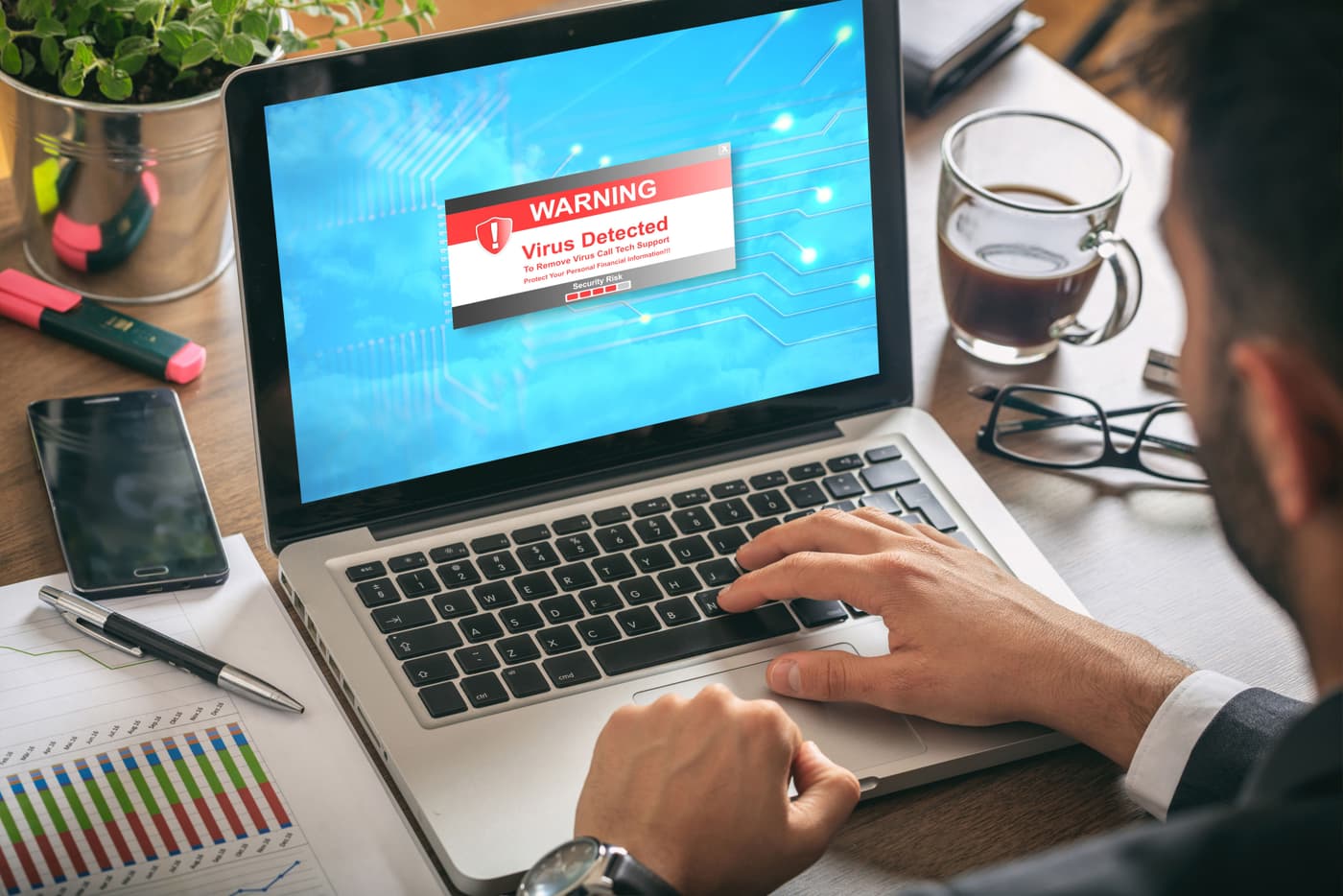
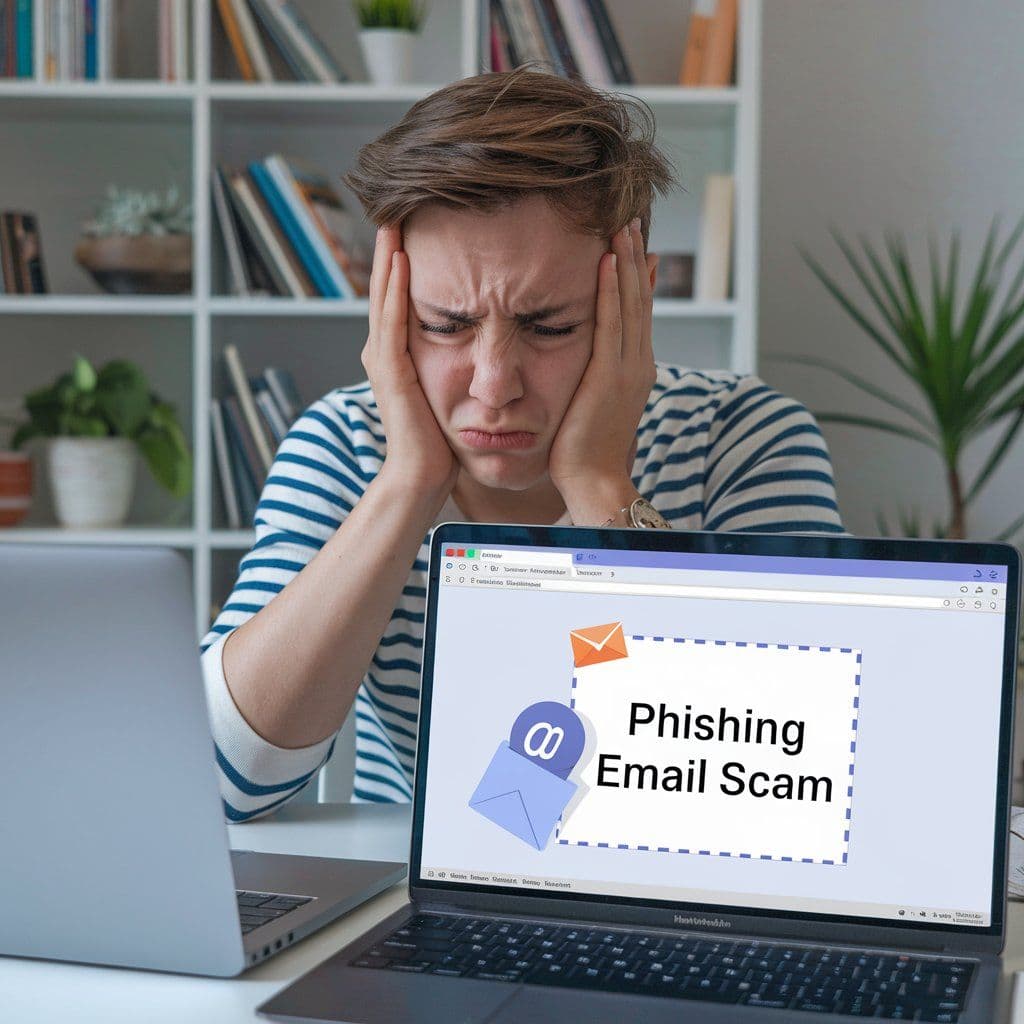
Phishing is a deceptive tactic used by cybercriminals to trick you into revealing sensitive information like passwords, credit card numbers, or bank account details. Phishing emails often look legitimate, but they contain hidden dangers. You must be wary of phishing emails because they can lead to identity theft. Red flags of phishing emails include the request for personal information, a message with spelling or grammatical errors, a mismatched sender address, or links that look suspicious.
Regularly Update Passwords
Even if you use the strongest, most unique passwords imaginable, it’s good practice to update them periodically. This minimizes the chances for attackers if your password ever gets compromised in a data breach. A good tip is to change them every three to six months and never reuse old passwords. A password manager is great for making these changes easily.
Use Email Masking
Email masking, also known as email aliasing, adds another layer of privacy and security to your account. It essentially allows you to use different email addresses for different online services. This can prevent hackers from easily linking your online activities. It protects your primary email address from spam and unwanted solicitations as well. Always use email masking for added privacy.
Recognizing Email Phishing Scams
Email phishing scams can be a scary topic. However, you’re in luck! Recognizing email phishing scams can be done rather easily. Look out for urgent or threatening language used in an email. Scammers often try to create a sense of urgency to provoke immediate action. If you spot an unusual-looking email domain in the sender’s address, it’s a good sign of a potential email phishing scam - look for spelling errors or unfamiliar domains. Another sign is the inclusion of unexpected attachments. Avoid downloading attachments unless you are certain of the sender’s identity. If you suspect an email is a fraud, report it to your email provider and do not interact with it.
Advanced Strategies for Protecting Your Inbox
Beyond the fundamentals we just went into, several advanced strategies for protecting your inbox can be used to protect you from increasingly sophisticated threats. Here are some below:
Use Encrypted Email Services
Encryption is a powerful tool for safeguarding the confidentiality of your emails. It scrambles your messages into an unreadable format, ensuring that only the intended recipient with the decryption key can access the content. Use encrypted email services to up your email security game.
Monitor Account Activity
Regularly monitoring your email account is crucial for detecting email phishing scams. Most email providers, such as Gmail or Outlook, offer a way to review your login history, which can reveal suspicious activity. Check for login attempts from unfamiliar locations, devices, or IP addresses. Also, be wary of any changes to your account settings that you didn't make.
Employ Security Tools
Advanced security tools like Mozo can detect and block phishing attempts, malware, and other threats targeting your inbox. Mozo enhances your email security by proactively identifying and blocking threats, reducing the risk of falling victim to cyberattacks.
Identity Theft in Email Hacks: The Bigger Picture
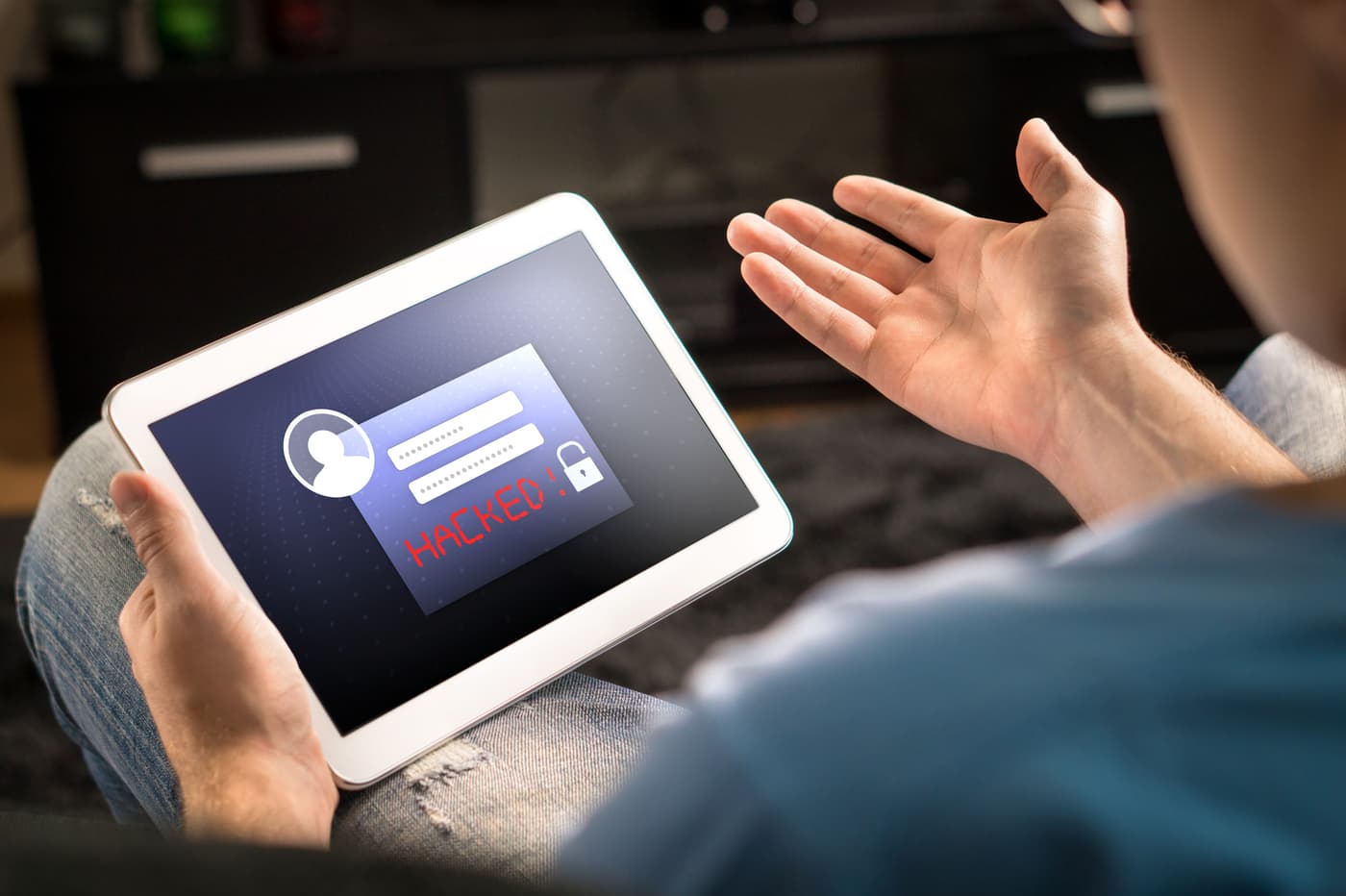
Email hacks often lead to broader identity theft issues like tax fraud. Hackers can reset passwords for financial accounts, access sensitive documents, and impersonate you to deceive others. Protecting your inbox is vital to securing your entire digital identity, so make it a priority. By following email security tips, recognizing phishing attempts, and leveraging advanced tools, you can safeguard your inbox and reduce the risk of identity theft. Learn more about how Mozo can enhance your email security and protect your online identity.