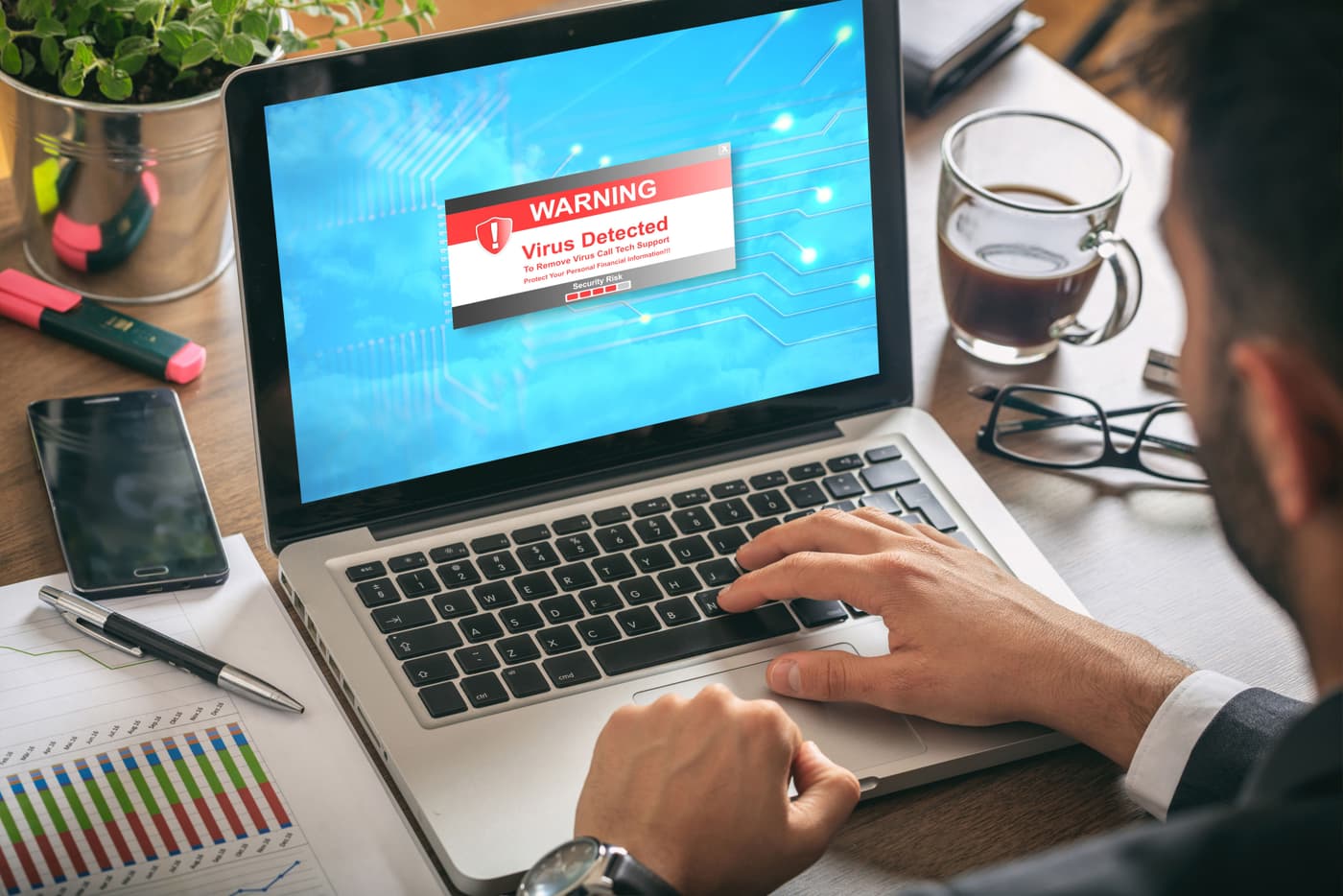
Ensuring your online safety while surfing the web is paramount because web browsers are like the windows into our digital lives. We sometimes take browser security for granted when we perform actions like shopping online, managing our finances, connecting with others on social media, and more. Cybercriminals continue to find new ways to exploit browser vulnerabilities and human error to hack into devices, steal information, and commit identity theft. Adopting safe browsing habits is crucial and this guide will give you the tools to do so. Continue reading to learn more about secure online banking practices, what the most safe internet browser is, online shopping safety, and online transaction security.
What is The Most Safe Internet Browser?
The chances of using a web browser daily are extremely high, as more than 5.3 billion people use the internet worldwide. In fact, odds are you are reading this on one right now! A few of the most popular web browsers are Chrome, Edge, Safari, and Firefox, but what is the most safe internet browser? Some say it’s Firefox because of its open-source nature. However, some also say it could be Tor due to its anonymity. But what about other lesser-known browsers? Let’s get into them and find out.

Is Brave Browser Safe?
Brave is a popular browser. But is Brave browser safe? It’s indeed often thought of as a safe browser as it has built-in privacy features like ad blocking or fingerprinting protection. It also has a feature called “Private Browsing with Tor”, which gives you enhanced anonymity online. That said, Brave is a Chromium-based browser so it is subject to the same vulnerabilities as other browsers that function off of this engine.
Is Opera Browser Safe?
Now, let's find out is the Opera browser safe. Opera has had very few security breaches in the past few years, so it is a safe browser. It features encryption components and protection from cryptojacking. Opera is a Chromium-based browser like Brave, so it again could be subjected to those same vulnerabilities.
Is Wave Browser Safe?
Next, is Wave browser safe? Wave Browser has been reported to have some privacy risks and is known for allowing intrusive pop-ups. These privacy risks include harvesting user data as well as changing some of your browser settings. It’s also a Chromium-based browser so again includes previously mentioned risks.
Is The Shift Browser Safe?
Finally, let’s address the question, is the Shift browser safe? Shift markets itself as a single window to do everything you need on the internet. It integrates web apps and claims to make your web browsing experience seamless. Shift is a portfolio company of Redbrick, which is a certified B corporation. Shift appears to be safe and you can use it with confidence if you choose.
The Importance of Online Shopping Safety
There is no debating that online shopping has brought immense convenience and value to our lives, but the amount of cyber threats is seemingly endless. Things like identity theft, phishing, data breaches, and scam websites tend to be the top threats you must look out for. Understanding how to protect yourself while you shop online can help you prevent identity theft and the loss of your hard-earned money.
Common Online Shopping Threats
We’ve put together a short list of common online shopping threats for you to look out for while you browse on platforms like Amazon, Etsy, E-bay, Instagram, TikTok, and more.
- Phishing Scams: Fake websites or correspondence from emails and SMS messages that will trick you into sharing sensitive personal information.
- Fake Online Stores: Phishing websites that pretend to be real online stores may offer products or services that never actually get delivered to them.
- Data Breaches: Businesses and online retailers whose systems get compromised can leak your customer information.
- Credit Card Fraud: Unsecured payment portals can increase your chances of having your credit card or bank account details stolen. Malware: Malicious software is often embedded in fake shopping sites and can deliver threats like keyloggers to steal your personal information.
- Fake Reviews: Scammers will often manipulate ratings and reviews of their products or business to appear legitimate.
Tips For Secure Online Banking Practices
While online banking and financial services have made our lives easier, they come with major risks to be aware of. Here are some secure online banking practices and safe browsing tips to apply while you manage your finances online.
1. Use Strong and Unique Passwords
Make sure to use strong, unique, and complex passwords for all of your accounts. This can be done effortlessly by using a password manager, like the one from Mozo. Never reuse your passwords for multiple accounts because if one gets compromised, they all get compromised. Store your passwords in a safe place, like Mozo’s password manager, and never worry about them falling into the wrong hands.
2. Enable Two-Factor Authentication (2FA)
Most banks today will recommend that you enable two-factor authentication (2FA) for added security. 2FA simply means a second action to authenticate you when you sign in. They will typically send you a code via SMS or to your email registered on file. This will ensure that even if someone gets your password, they won’t be able to successfully sign in without the 2FA code.
3. Monitor Your Account Regularly
If you don’t monitor your account regularly, you won’t know when suspicious transactions occur. Take the time to check your statements and go through each charge. Also, be especially careful with charges worth small amounts. Often scammers will charge small amounts first to see if they can get away with their crimes before charging big-ticket items.
4. Avoid Public Wi-Fi for Banking Transactions
Public Wi-Fi is notoriously used for hacking and delivering malware to unsuspecting users. This is due to the lack of security around these networks as they are easily accessible. Avoid public Wi-Fi for banking transactions at all costs. However, if you must, use a VPN like the one offered by Mozo so you can encrypt your connection.
5. Be Aware of Banking Scams
There are fraudsters out there who do a great job of impersonating banks or bank employees to get you to give up sensitive information. Always be aware of banking scams and possible delivery systems through emails, SMS messages, or phone calls. Make sure to verify the legitimacy of the message or the sender first before you continue communicating with them further.
7 Safe Browsing Habits for Online Shopping
According to Oberlo, the number of online shoppers worldwide will reach more than 2.77 billion in 2025. E-commerce has become an incredibly convenient and useful internet tool and will likely continue to grow. So here are some safe browsing habits for online shopping that you can use daily.
- Only Use Secure Websites: Before entering any personal or payment information, check if the website’s URL starts with “https://” instead of “http://” – the “s” stands for secure encryption.
- Use Trusted Providers: Stick to shopping with well-known and reputable stores. If you’re shopping on a lesser-known site, research customer reviews and ratings first.
- Look Out For Too-Good-To-Be-True Deals: Scammers often lure victims with unbelievably low prices. If a deal seems too good to be true, it probably is.
- Avoid Suspicious Links: Phishing emails will mimic legitimate retailers or banks to steal your personal information. Verify the sender’s email address first and never = click on links from unknown sources.
- Use Credit Cards: Credit cards offer better fraud protection than debit cards and many credit card companies provide chargeback options if you happen to suffer from fraud. fall victim to fraud.
- Set Up Payment Alerts: Most banks allow users to set up payment notifications to get notified of any transactions, helping you detect fraud early.
- Fake Customer Support Scams: Fraudsters often pose as customer support representatives. Always contact official customer support through verified contact details on the retailer’s website.
Enhancing Online Transaction Security With Safe Browsing
To ensure online transaction security, take these 5 tips into account to protect your financial information.
- Use A VPN: As mentioned before, A VPN encrypts your internet connection, making it difficult for hackers to intercept your data.
- Update Your Software: Outdated software and operating systems may have security vulnerabilities. Keep your browser, antivirus software, and operating systems up to date
- *Use Secure Payment Methods: Only use secure payment services like PayPal, Apple Pay, or Google Pay.
- Enable Account Alerts: Set up alerts for banking and shopping accounts to receive real-time updates on account activity.
- Log Out: Always log out from banking and shopping accounts when finished, especially on shared or public computers.
Protecting Personal Information Online
Of course, there is more to do on the Internet than just shopping or banking. When surfing the web for communications, education, gaming, and more, it’s imperative to protect your personal information. Make sure to avoid giving away too many details on social media, and for tips on how to do so, read our recent blog How To Stop Oversharing On Social Media. Be sure to also regularly review your privacy settings across apps and browsers, and think twice about entering personal information into form collections.
Final Thoughts
By implementing these safe browsing habits, you can significantly reduce the risk of cyber threats and identity theft. Cybercriminals are always evolving their tactics, but staying vigilant and using secure online shopping safety and secure online banking practices will keep your personal and financial information safe. For more cybersecurity tips and solutions, visit the Mozo Blog.